New Feature: Dark Mode in the Omni Driver App
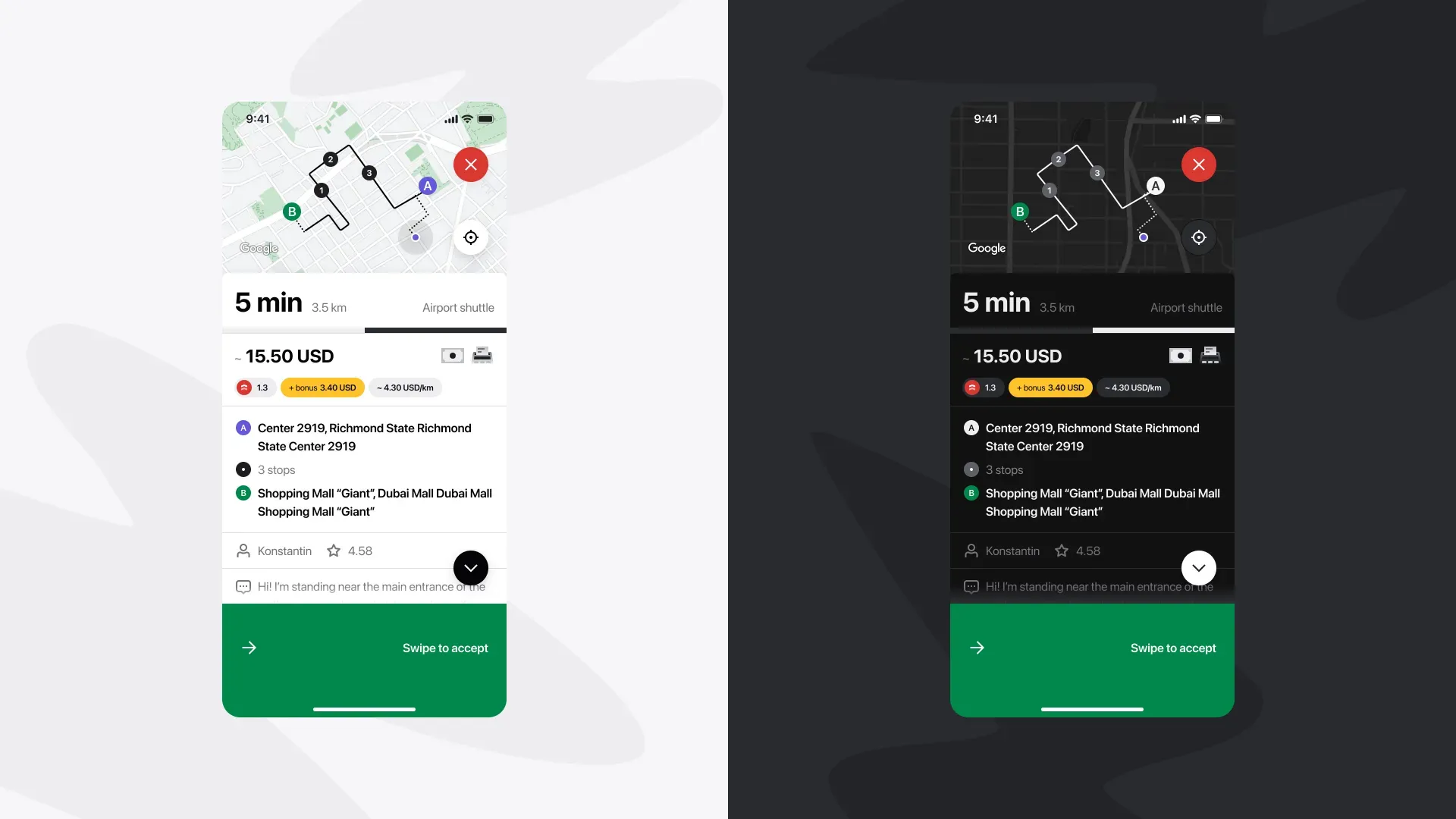
We’ve added Dark Mode to the Omni Driver app to make late-hour driving more comfortable and focused. This night-friendly interface reduces glare and eye strain, helping you stay sharp on the road during evening and overnight shifts.
Why Drivers Will Love It
👀 Less eye strain during night shifts
😌 Reduced fatigue for longer drives
🎯 Improved focus while navigating
Why It Matters for Our Community
🚖 More completed trips during slower nighttime hours
🤝 Stronger driver satisfaction and loyalty
🌍 Better rider coverage at all hours of the day
How to Enable Dark Mode
Open the Omni Driver App
Go to Settings → App Appearance
Select Dark Mode
Your comfort, focus, and safety matter most. Try it out tonight and let us know how it feels!